
Proshot Studio
Photo editing for photographers. ⚡ Proshot corrects whole series photo by photo right on your computer, look and editor do the rest. When you want more, the AI helps. Your photo stays the truth: Proshot changes light, look and surroundings, but not your subjects.
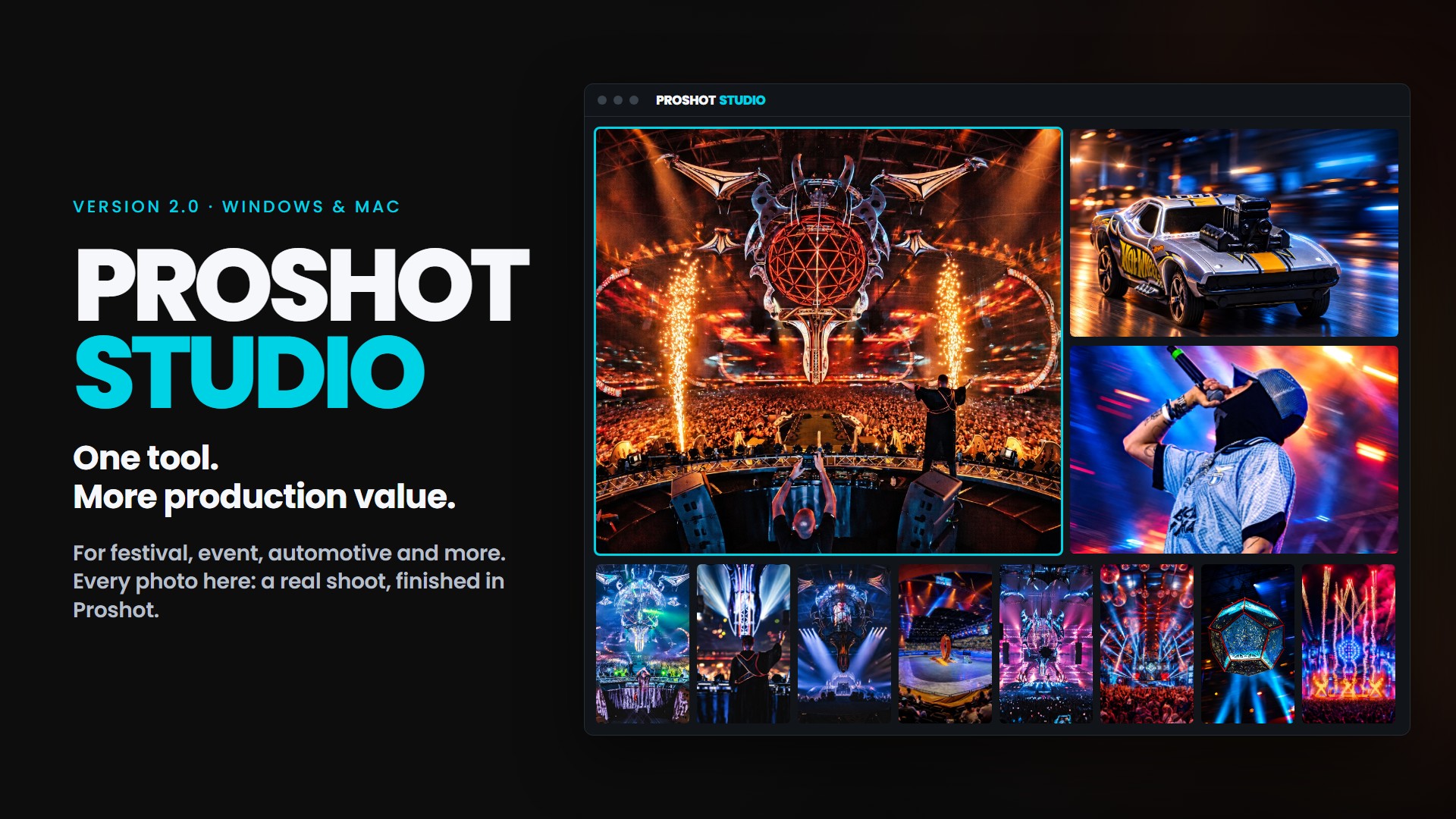
What Proshot does
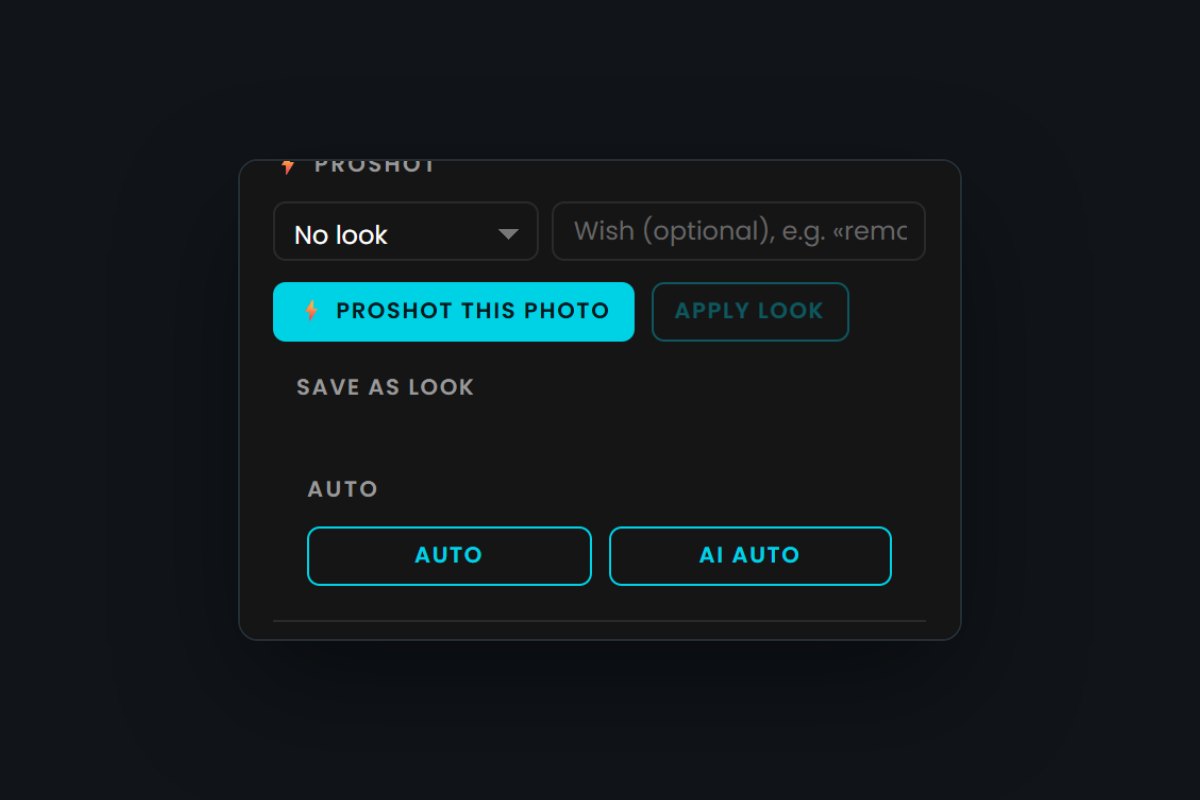
⚡ Proshot
Select similar photos, one click: every photo is measured on its own and corrected, exposure, highlights and shadows, white balance and haze. The series still ends up in the same look. Runs locally on your computer, also offline and without AI costs. Proshot recognises colored stage light and keeps it.
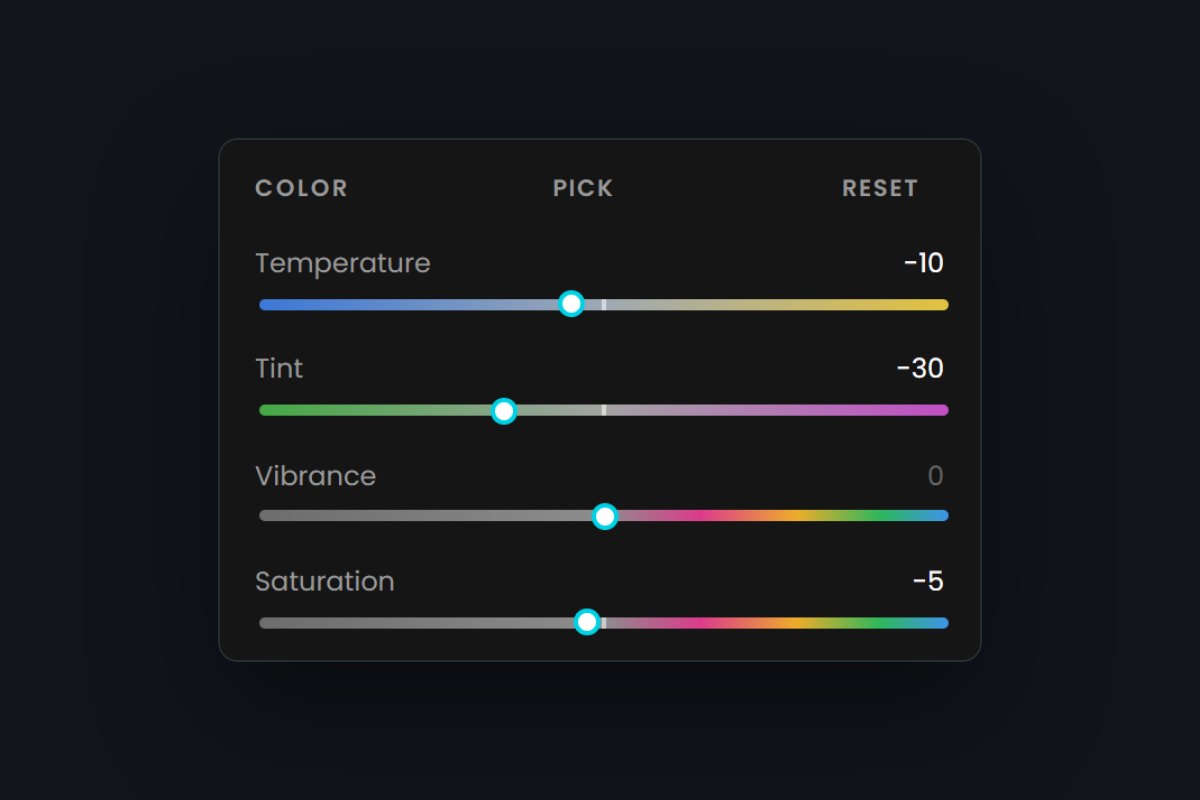
Look and editor
The look only sets the style (curve, colors, color grading), the correction stays. Your presets work as looks, including presets imported from Lightroom (.xmp). In the editor you fine-tune with sliders like in Lightroom; the colored scales show where a slider pulls the photo.
With Lightroom
Pick a photo in Lightroom Classic, “Edit In → Proshot Studio”, edit it and send it back with one click, on Windows and Mac. Or import whole shoots directly, RAW and ZIP included, and export to a folder or as a ZIP.
AI & more
When you want more: AI looks from reference photos, retouch, replace sky, motion blur, lens flare, bokeh, a new background. For areas with no detail left there is “Try with AI”: the result is added as a new photo, the original stays. Every AI action asks first.
The original stays the truth
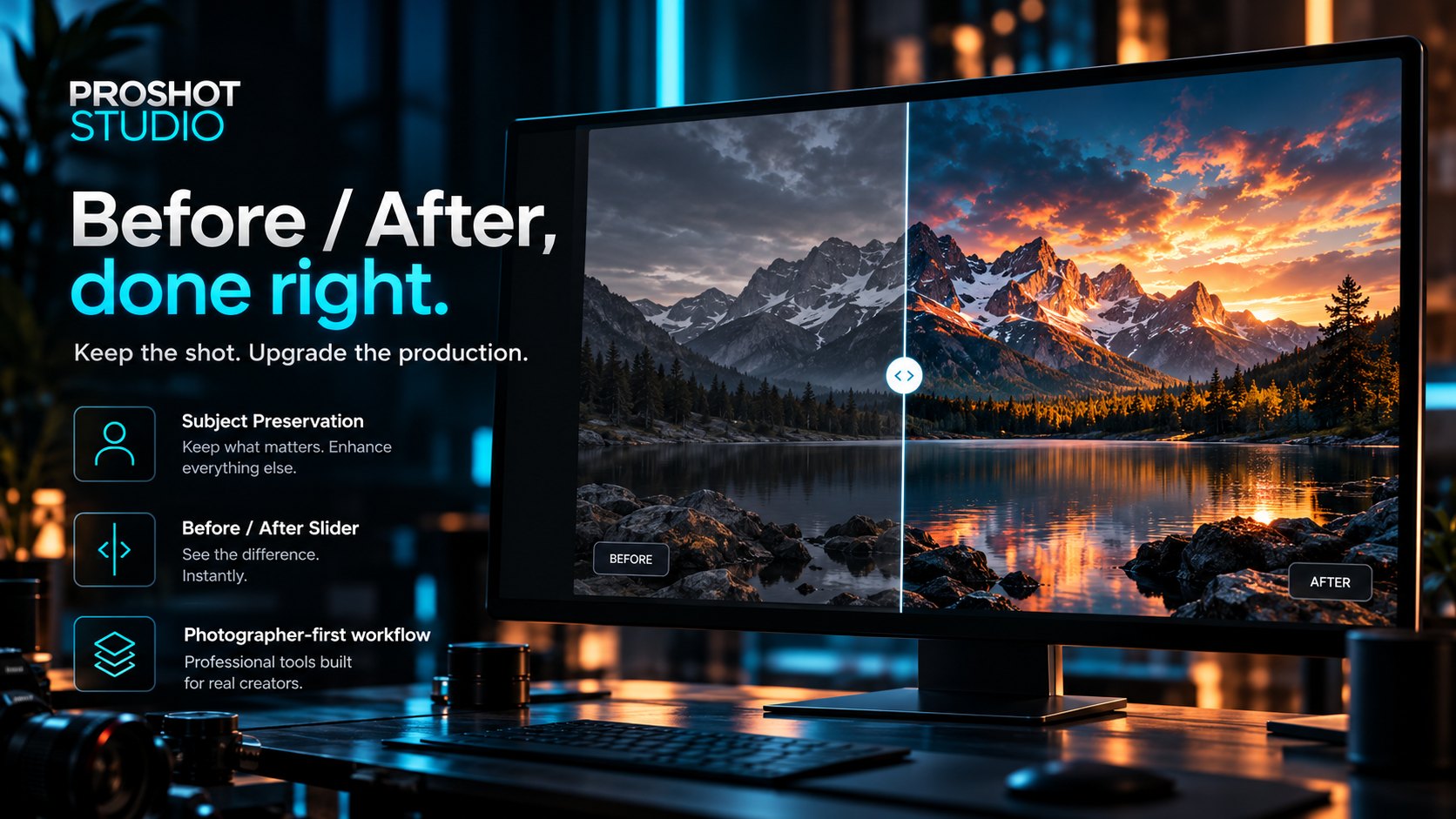
Proshot changes light, look, background and effects. Proshot protects defined subjects such as faces, people, hands, jewellery, clothing and logos and tries to preserve their original pixels as far as technically possible. You check every result in the before/after comparison before it is final.
How it works
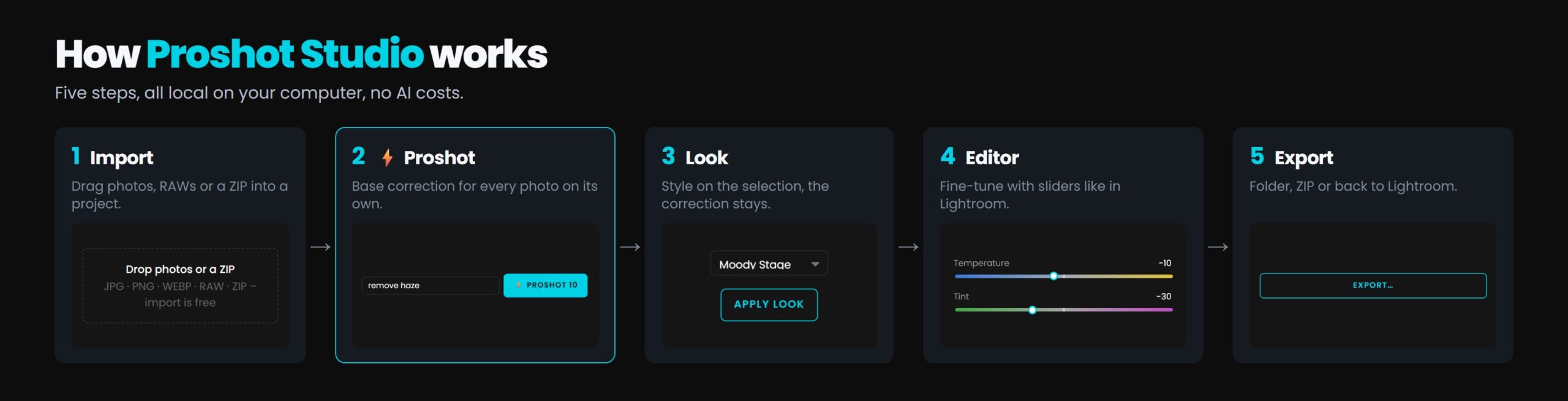
- ImportDrag photos, RAWs or a ZIP into a project, or use “Edit In” from Lightroom.
- ⚡ ProshotSelect similar photos, one click: every photo gets its own base correction. Optionally with a wish like “remove haze”.
- LookPut the style on the selection, the correction stays.
- EditorFine-tune with sliders like in Lightroom.
- ExportTo a folder, as a ZIP or back to Lightroom.
AI edits under “AI & more” still run with test image, comparison and approval.
Price and requirements
Subscription
- Use on 2 computers
- Updates included (automatic on Windows)
- Desktop app with local project management
- Windows 10/11 · Mac (Apple Silicon, macOS 13 or later, signed by Apple) – guide
- App available in English and German
AI costs
⚡ Proshot, look and editor run locally, without an API key and without AI costs.
AI features require your own OpenAI API key with credit (platform.openai.com). OpenAI bills the cost per image directly to you, with no mark-up from me.
Every paid action asks for confirmation first. Without a key you can try everything for free in Mock Mode.
What we are working on
Proshot Studio 2.0 is here: ⚡ Proshot as a local base correction, looks and an editor for RAW photos, plus AI editing with subject protection. Here is what is in it today and what comes next.
Version 2.0 in the shop
- Simple three-step flow: ⚡ Proshot, pick a look, fine-tune in the editor PRO
- Base correction for every photo individually (exposure, highlights and shadows, white balance, haze), whole series still in one look, optionally with a request like “remove haze” PRO
- Base correction right on your computer: fast, offline, no AI costs; “Try with AI” only on request for tough cases PRO
- Desktop app for Windows and Mac (signed by Apple)
- AI looks with test image and approval, subject check with heatmap
- Retouch (generative fill), replace sky, subject mask
- Proshot Develop for RAW: curves, HSL, color grading, masks, lens profiles PRO
- Lightroom Classic “Edit In” and back, Windows and Mac PRO
- Social export, before/after reel, layered PSD, client proofing PRO
- Save, share and import presets from Lightroom PRO
in testing
- WordPress as a publishing destination PRO
- Automatic updates on the Mac too
Camera & color
- Custom camera profiles (Canon, Sony, Nikon)
Community
- Share presets with other photographers
Ideas
- Split looks into slider values automatically
- AI denoise
No dates: order and scope may change. PRO = part of Proshot Studio PRO.
Frequently asked questions
What exactly does ⚡ Proshot do?
⚡ Proshot is the base correction: every selected photo is measured on its own and corrected, exposure, highlights and shadows, white and black point, white balance and haze. No values are copied from the first photo, yet the series ends up in the same look. Everything is slider values: you fine-tune them in the editor or take them back in one go with “Undo Proshot”. Optionally you add a wish, e.g. “remove haze” or “background less overexposed”.
Does ⚡ Proshot cost extra, does it need internet?
No, apart from the subscription. The base correction runs locally on your computer, also offline and without AI costs. Costs only arise when you start an AI function yourself; Proshot asks first and shows a cost notice.
Are my photos sent to an AI?
Only when you start and confirm an AI function, e.g. AI looks, retouch or “Try with AI”. The photo is then sent to OpenAI together with the instructions. ⚡ Proshot, look and editor work only on your computer. If you let the AI translate a wish from the wish field, only the text is sent, no photo.
Do my stage colors stay?
Usually yes: Proshot recognises colored stage light and keeps it on purpose, at most it is softened slightly. An artificial-light color cast is corrected, dark fire and stage scenes keep their night mood. If you want it different, adjust temperature and tint in the editor.
Can I use my Lightroom presets?
Yes. You import Lightroom presets (.xmp) as a look and apply them to your selection in step 2. After the import Proshot shows how many settings were applied or approximated. You can also work with Lightroom Classic directly: “Edit In → Proshot Studio” and back with one click.
Where are the previous AI functions?
All still there, under “AI & more”: AI Proshot with a new image (this used to be the “⚡ Proshot” button), commands, AI looks, retouch, effects as well as test image and approval. ⚡ Proshot is now the local base correction.
Is my ChatGPT subscription enough?
For the AI features, no: ChatGPT Plus is not API credit. You need an OpenAI API account with credit; the setup is explained step by step in the manual.
Where are my photos stored?
Proshot Studio is a desktop app with local project management: projects, originals and results are stored on your computer. AI edits are processed via the OpenAI API. Every photo you edit with AI is sent to OpenAI together with the editing instructions (OpenAI data policy). Imported photos you do not edit are not sent.
How do I cancel?
At any time in your customer account in the shop. The subscription runs until the end of the month already paid.
Can I switch computers?
Yes. In the app, go to Settings → Licence, remove the old computer and enter your licence key on the new one.
Does Proshot run on a Mac?
Yes, on Macs with Apple Silicon (M1 or newer) running macOS 13 or later, with the same subscription. The Mac version is signed and notarized by Apple: it opens like any other app, without a warning. Intel Macs are not supported yet. Mac guide (PDF)
Which currency do I pay in?
Prices are in Swiss francs (CHF). You can pay by card via Stripe or with PayPal; your bank converts the amount if needed.
More from every shot.
Founder price until 31 Dec 2026: everything incl. Pro for CHF 20 per month, for 6 months.
By subscribing you accept the terms and conditions.